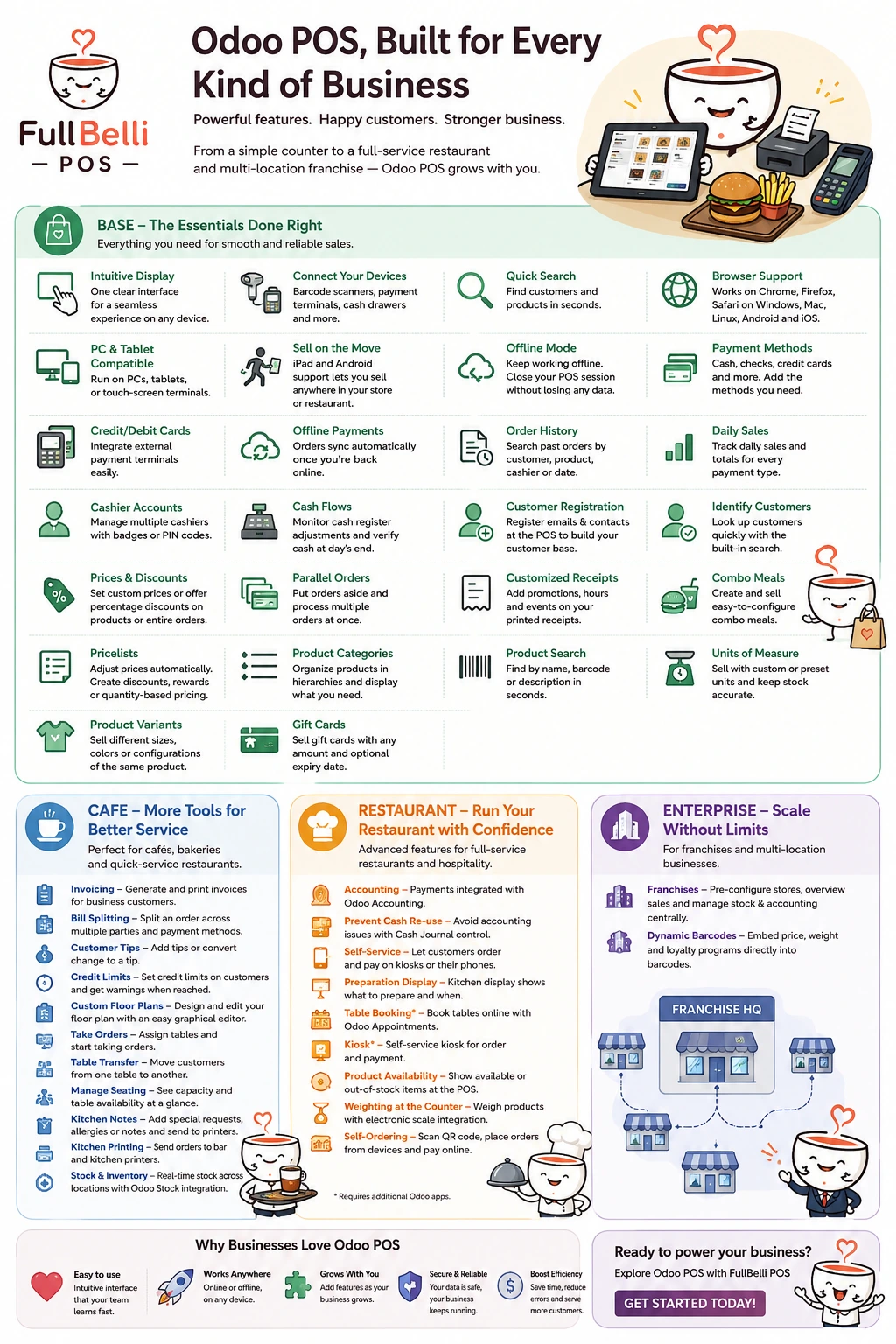
Base
Intuitive display
One clear interface for a seamless service on any device.
Connect your devices
Connect barcode scanners, payment terminals, and cash registers to simplify your workflow.
Quick search
Find your customers and products with the built-in search features.
Browser support
Odoo POS is a web-based application and can be deployed on any device and OS running Chrome, Firefox, or Safari (such as Microsoft Windows, Apple OSX, Linux, Android, and iOS).
PC and tablet-compatible
Operate Odoo POS on PCs and tablets as well as industrial touch-screen terminals.
Sell on the move
With iPad and Android tablet support, sell anywhere within your store or restaurant
Offline mode
Keep working while offline. Your POS session can be closed offline without any loss of data.
Payment methods
Cash, checks, and credit card payment methods are available. More payment methods can be added if needed.
Credit/Debit cards
External payment terminals handle all electronic payments.
Offline payments
Orders made offline are automatically synchronized when you are reconnected.
Order history
View all past orders. Search them by customer, product, cashier, or date.
Daily sales
Keep track of daily sales and totals for every payment type.
Cashier accounts
Manage multiple cashier accounts and secure them with badges or pin codes.
Cash flows
Monitor cash register adjustments and easily verify cash content at the end of the day.
Frontend customer registration
Identify your customers by registering their email and contact address, allowing you to keep track of individual sales.
Identify customers
Look up your customers with the built-in search feature
Prices & discounts
Set customer prices or offer percentage-based discounts on either a single product or the entire order.
Parallel orders
Put orders aside and process multiple orders at the same time.
Customized receipts
Advertise your current promotions, hours of operation, and upcoming events on your printed receipts.
Combo meals
Sell food through easy-to-configure combo meals.
Pricelists
Use pricelists to adjust product prices automatically (eat-in or takeaway). Set POS-specific prices, create temporary discounts, reward specific customers, or offer discounts when set quantities are ordered.
Product categories
Organize your products with hierarchical product categories. Order them by popularity and display different categories at different points of sale.
Product search
Quickly find products by name, barcode, or description with the built-in search function.
Units of measure
Sell your products with custom or preset units of measure and update your stock accordingly.
Product variants
Sell different sizes, colors, or configurations of the same product with product variants.
Gift card
Sell gift cards of any amount with or without a validity date.
Cafe
Invoicing
Generate and print invoices for your business customers.
Bill splitting
A single order can be paid as a split payment between multiple parties and with separate payment methods
Customer tips
Supports customer tipping as an added amount or by converting change to a tip.
Credit limits
Credit limits can be set on companies or partners. When a limit is reached, a warning appears on customer-related views and buttons.
Custom floor plans
Customize the floor plan (add, move, or remove tables and seats) and make changes on the go using the graphical editor.
Take orders
Assign any table to your clients and start taking orders.
Table transfer
Transfer your customers from one table to another.
Manage seating
Keep track of your guests with an overview of your restaurant's capacity and table availability.
Kitchen order notes
Add notes for customer's preferences, allergies, or special requests and send them to the kitchen or bar printers.
Kitchen printing
Send the order instructions to the bar and kitchen printers.
Stock & Inventory
Monitor your stock in real-time, manage your inventory across all locations, and review shipments with the Odoo stock integration.
Restaurant
Accounting
Payments are directly integrated into Odoo Accounting to make bookkeeping simple and reliable.
Prevent cash payment method re-use
Cash payment methods and cash journals cannot be re-used over multiple POS to avoid accounting issues related to cash drawer control.
Self-service
From the kiosk or their smartphone, your customers can do everything themselves, from order to payment.
Preparation display
The display of the kitchen and its categories lets your staff know which orders must be prepared and when to ensure smooth service.
Table booking*
Tables can be booked online using Odoo Appointments. Reserved tables are displayed on the floor plan in restaurants or bars.
Kiosk*
Let customers place and pay orders from a self-service kiosk.
Product availability
Decide whether or not a product appears available or out of stock at your point of sale.
Weighting at the counter
Calculate product weight during checkout with the electronic scale integration.
Self-ordering
Customers can scan a QR code to get the menu, place orders from their devices, and eventually, pay online.
Enterprise
Franchises
Pre-configure your franchise stores, overview their sales, and centrally manage their stock and accounting.
Dynamic barcodes
Embed price, weight, and loyalty programs directly into your barcodes.
Enhance Your Experience
Write one or two paragraphs describing your product or services. To be successful your content needs to be useful to your readers.
Start with the customer – find out what they want and give it to them.